

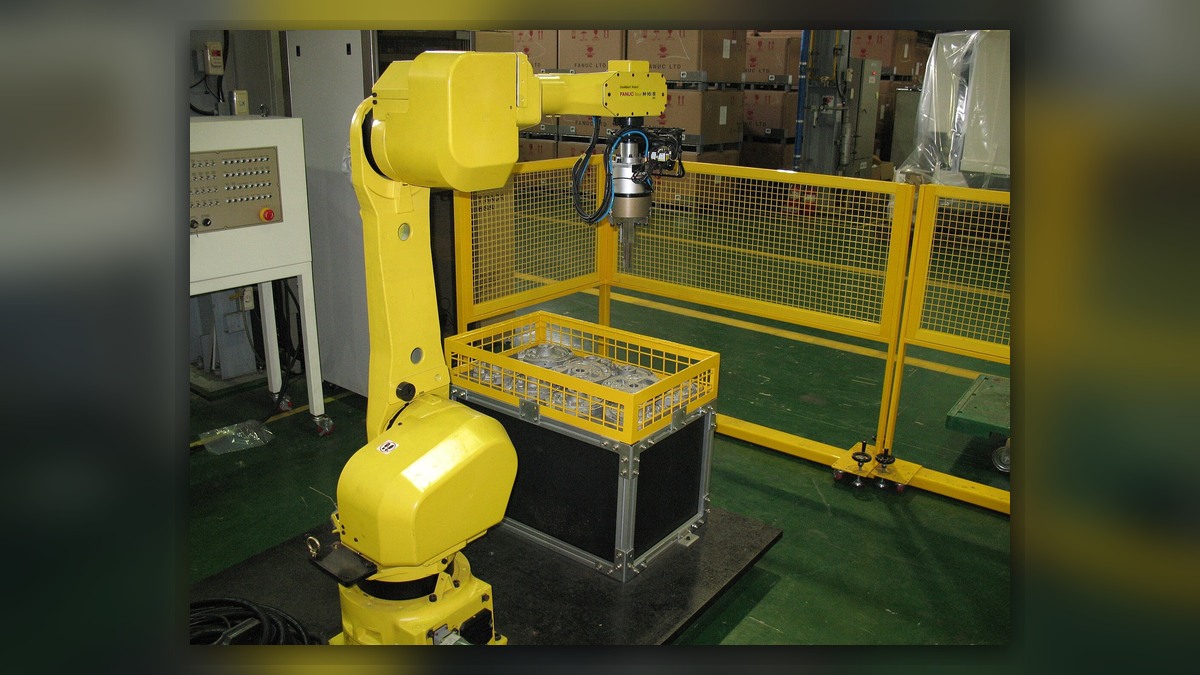
Start with the evidence, not a suspected failed part
When a FANUC industrial robot intermittently departs from an expected position or path, the immediate task is to define the symptom precisely and preserve the conditions under which it occurs. A deviation alone does not establish failure of a motor, feedback device, reducer, cable, controller, tool, fixture, program, or process system. A useful FANUC robot repair review therefore begins with a repeatable production record that allows qualified personnel to distinguish robot motion from tooling, workpiece, fixture, and process effects.
The review should identify the robot and controller configuration from their equipment records, but all model-specific limits, checks, maintenance procedures, and acceptance criteria must be taken from the applicable FANUC documentation. FANUC provides robot documentation through its customer support resources. Generic observations cannot replace the instructions for the installed model and application.
Define the affected operation
Record every program, routine, path segment, position, and production step associated with the symptom. Use the identifiers shown in the controlled production records rather than informal descriptions. Note whether the deviation appears at one commanded position, along a continuous path, during approach or departure, or after a particular process action.
Document the last known acceptable cycle and the first confirmed unacceptable cycle. Include the date, shift, production order, part or recipe identifier, operator-reported sequence, and whether the robot had stopped, restarted, or changed operating state between those cycles. Preserve relevant alarm and event records without interpreting an alarm as proof of a particular component failure.
Measure occurrence frequency consistently
State how often the symptom occurs using the available production record: every cycle, after a recurring sequence, only on certain products, or without an identified pattern. Record the number of observed occurrences and the number of relevant production opportunities from the same defined period. Do not combine observations from different programs, payloads, tools, or process conditions unless those differences are explicitly retained.
Avoid repeatedly reproducing a deviation when doing so could create collision, product, tooling, or personnel risk. Any controlled motion observation must be performed by competent staff under the equipment-specific procedure, with required safeguards in service. The need for diagnostic evidence does not justify bypassing an interlock or continuing unsafe operation.
Compare commanded and observed position
For each occurrence, identify the commanded program position or path segment and describe the observed result. Use the production measurement system appropriate to the application, such as an inspected feature, placement result, bead location, tool mark, or fixture-relative observation. Record which instrument, inspection method, coordinate reference, and acceptance criterion produced the result.
A difference between commanded and observed output confirms that the process result did not match expectation under the recorded conditions. It does not, by itself, show whether the source lies in robot positioning, tool geometry, workpiece location, fixture stability, process timing, external equipment, or measurement variation. Conversely, an acceptable finished part does not prove that robot motion was unchanged if the process can absorb or mask movement.
Preserve payload and tooling state
Record the installed end-of-arm tooling, tool configuration, carried part, hoses or dress equipment, and the payload data selected during the affected operation. Note whether the tool or workpiece was changed, serviced, adjusted, cleaned, struck, or removed recently. Photograph relevant physical relationships from repeatable viewpoints while the equipment is in a safe state.
If the symptom follows one tool or payload state but not another, the result narrows the review toward condition-dependent influences. It does not establish that the tool, payload definition, or robot is defective. If the symptom remains across configurations, that reduces the likelihood of a single configuration-specific influence but does not eliminate it without controlled comparison.
Identify recent changes
Create a dated list of changes preceding the first occurrence. Include program edits, taught-position changes, tooling work, fixture adjustment, product revision, payload updates, maintenance, collision recovery, controller work, process setting changes, and modifications to upstream or downstream equipment. Preserve approved backups and revision records; do not make blind parameter changes to see whether the symptom disappears.
A strong time relationship between a change and the symptom makes that change a reasonable diagnostic branch. It does not prove causation. No recorded change may instead indicate an incomplete history, progressive physical condition, environmental influence, or an intermittent interaction that requires further evidence.
Build reasoned diagnostic branches
If deviation is limited to one program location while other paths remain acceptable, review the affected instruction, reference frame, tool selection, fixture relationship, and process interaction. That pattern does not prove a programming error.
If multiple programs show a similar direction or location-dependent effect, preserve the shared tool, frame, payload, workspace, and axis-position context for specialist review. The common pattern supports a broader investigation but does not identify a damaged mechanical or feedback component.
If quality results vary while recorded robot conditions appear unchanged, compare workpiece presentation, clamping, tool condition, process media, external axes, and inspection repeatability. This branch tests whether the observed defect is a complete representation of robot motion; it does not clear the robot without an appropriate motion assessment.
Set conditions for repair
Component repair or replacement should follow a diagnostic finding that links the suspected item to the recorded symptom through applicable inspection, testing, or documented fault evidence. Escalate the case when safe production cannot continue, the deviation presents collision risk, the evidence indicates progressive deterioration, or model-specific checks require qualified support. FANUC lists technical support, field service, parts, and robot manuals among its support resources.
Verify the outcome
After authorized corrective work, restore the approved configuration and verify the originally affected programs under documented tooling, payload, fixture, product, and process conditions. Apply the site’s normal safety, commissioning, and quality-release procedures. Compare post-repair results with the same production and measurement evidence used to define the symptom.
Successful verification shows that the specified operation meets its acceptance criteria under the tested conditions. It does not prove performance in untested programs, payloads, workspace regions, or production states. Close the handover with the corrective action, replaced or adjusted items, configuration revisions, verification scope, results, unresolved limitations, and authorization for return to production.
Cover adapted from original image by Mixabest (CC BY-SA 3.0; source and attribution)
