

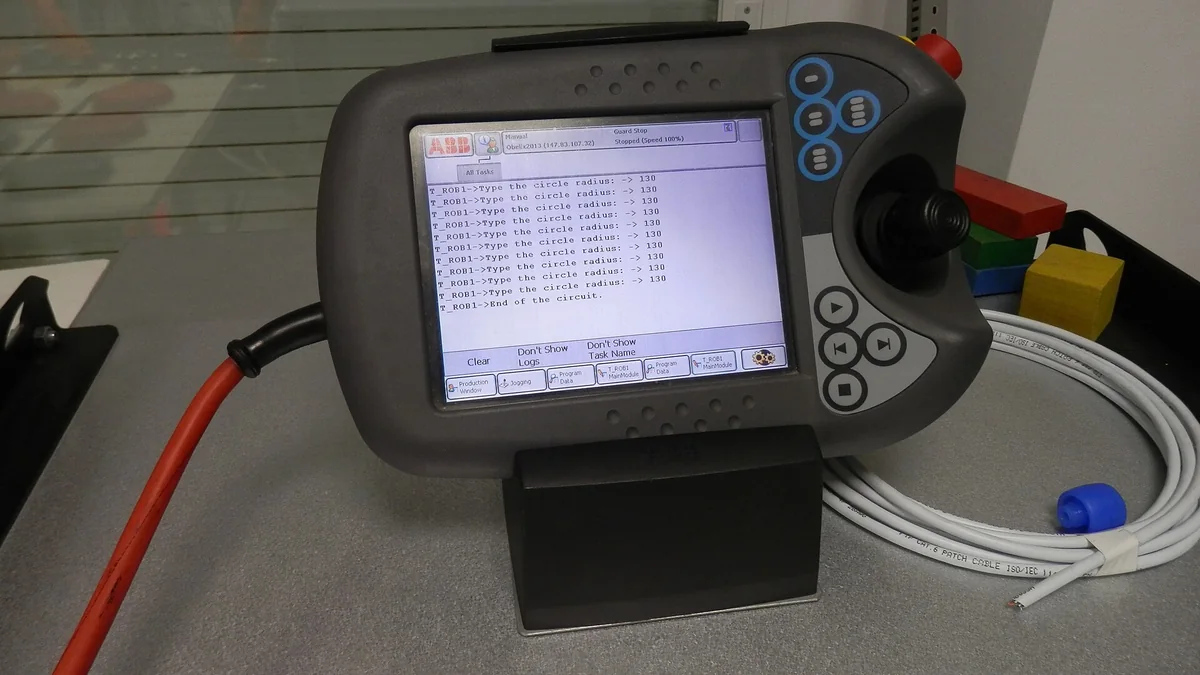
A blank teach pendant screen does not establish a failed display, and missing touch input does not automatically require a complete replacement pendant. Separate display, input and communication symptoms first, then compare them with controller, power and cable records. This guide explains what to preserve before assessment across robot brands. Tests, connections, replacement and safety verification require documentation for the actual robot, controller and pendant. The cover shows an ABB pendant as an equipment illustration, not a repair case or outcome.
Identify the Equipment and Operating Stage
Photograph the pendant and cabinet labels. Record the brand, complete model or part number, known revision, cable identification and installed position. State whether the issue begins at power-up, when opening the operating interface, during input or while running. Note onset, whether it is continuous, and accompanying controller alarms. Housing colour or connector shape alone does not establish compatibility.
| Observed issue | Evidence to preserve | What assessment must distinguish |
|---|---|---|
| Blank, distorted or repeatedly restarting screen | Startup screen, indicators, cabinet state, complete messages and timing. | Display component, power, connections, controller startup or software state. |
| Inaccurate touch, dead area or unresponsive keys | Affected area, whether all screens are affected, panel condition and operating context. | Input component, surface damage, interface state and communication behaviour. |
| Lost connection or intermittent response | Complete messages, cable/connector photos, operating stage and recent cable changes. | Cable, connectors, cabinet port, configuration and pendant condition. |
Separate a Dark Screen from Controller State
Record whether the screen stays dark from power-up or turns off after displaying the interface. Note simultaneous controller restarts, messages and changes in other available indicators. These observations help define scope but do not identify a failed component by themselves. Electrical measurements and internal checks need matching circuit information and isolation arrangements; do not test unknown connectors using another model's voltages or pin assignments.
Describe Touch and Keypad Problems Precisely
State whether the fault affects a fixed area, particular keys or a specific interface page. Document links with temperature, cleaning, liquid exposure or impact. Preserve existing photos and operating records without repeatedly commanding movement to demonstrate the problem. A screen that continues updating while touch fails differs from display and input failing together. Describe each separately before considering a touchscreen or complete pendant replacement.
Review Connections and Configuration with Communication Faults
Preserve the order of pendant and controller messages. Record recent disconnection, cable changes, terminal replacement or configuration work. Visible wear or a loose connector provides a clue, not a complete diagnosis. Follow the equipment procedure for isolation, disconnection and substitution; do not assume every pendant permits hot swapping. Never bypass emergency-stop or enabling circuits to test communication.
Prepare the Repair Assessment Record
- Clear labels and photographs for the pendant, controller and connecting cable.
- Exact alarm text, fault stage, frequency and the last known successful operation.
- Recent liquid exposure, impact, cleaning, disassembly, cable or configuration changes.
- Checks already completed and their findings; mark unknown items without guessed values.
Verify Operating and Safety Functions Separately
Match display, touch, keypad and communication checks to the actual repair scope, recording the controller and test conditions. Work affecting enabling devices, emergency stops or related connections needs separate safety-function verification by responsible personnel under the cell procedure. Restored graphics, one successful startup or recovered communication does not establish acceptance of every function. The handover record should identify completed checks, limitations and conditions requiring installed verification.
Teach pendant repair service scope
Controller and circuit board assessment
Drive alarms and motion assessment
Photo: Auledas, Teach Pendant ABB, CC BY-SA 4.0. Cropped, resized and converted to WebP; equipment illustration only.
