

A service request that says only “the machine stopped” or includes a single alarm photo may not define an industrial machinery repair scope. For an industrial robot cell, record the robot, controller, end-of-arm tooling, workpiece fixture, peripheral equipment and production conditions separately. This helps determine whether industrial robot repair is the main assessment path or whether an interface or process system also needs review. This checklist organizes evidence; it does not replace equipment-specific manuals, site risk assessment or professional diagnosis.
Identify the Equipment in Scope
Record the robot brand and complete model, controller model, known software or configuration revision, cell name and asset label. If the symptom involves a welder, paint equipment, conveyor, vision system, fixture or external axis, list each item and its label separately; avoid using “the whole line” as a substitute for an equipment list. Mark an unknown serial number, configuration or revision for confirmation rather than inferring it from appearance, colour or a similar machine.
Describe the Fault So It Can Be Reviewed
| Record | Useful evidence | Avoid assuming |
|---|---|---|
| Symptom and timing | First observed time, shift, operating stage, frequency and last known normal run. | A single stop does not prove a robot or component failure. |
| Controller information | Exact alarm text, event sequence, visible cabinet state and available saved diagnostic records. | An alarm label alone does not replace configuration checks or further assessment. |
| Motion and production conditions | Affected task or program section, workpiece/fixture identity, payload and production condition. | Position or cycle changes may also involve workpiece presentation, tooling or program changes. |
| Peripheral interfaces | Observed behaviour and records for tooling, welding/painting/conveying, vision or communications. | When robot and process equipment change together, do not assign the cause to one subsystem in advance. |
| Recent changes | Maintenance, collision, cable or tool changes, program or process adjustments and dates. | A change near the fault date is a lead to investigate, not proof of causation. |
Separate Robot Repair from Peripheral-System Scope
If controller records, robot state and a repeatable motion symptom relate to the same robot task, make industrial robot repair assessment the primary request and attach the program section, axis or pose details that are actually known. If robot records appear stable while product quality or cycle time changes with fixture, feeding, welding, painting or vision conditions, include the related peripheral-system evidence. When both change, submit the records separately; timing alone cannot determine whether the scope is robot repair, controller service or process-system service.
What to Send When Requesting Industrial Machinery Repair
- Nameplate and asset-label photos for the robot, controller and relevant peripheral equipment.
- Exact alarm text, occurrence time, operating conditions and results of checks already completed.
- Affected task or station, workpiece and fixture identity, and recent maintenance or change records.
- The specific question for the service provider, such as assessment scope or information still required.
Do not bypass guarding, defeat safety devices or repeatedly run a motion that may cause a collision to reproduce a fault. Any on-site observation should be arranged by competent personnel under the procedures for the actual equipment and location. Mark missing information as unknown; repair scope and quotation conditions depend on equipment identification and inspection findings.
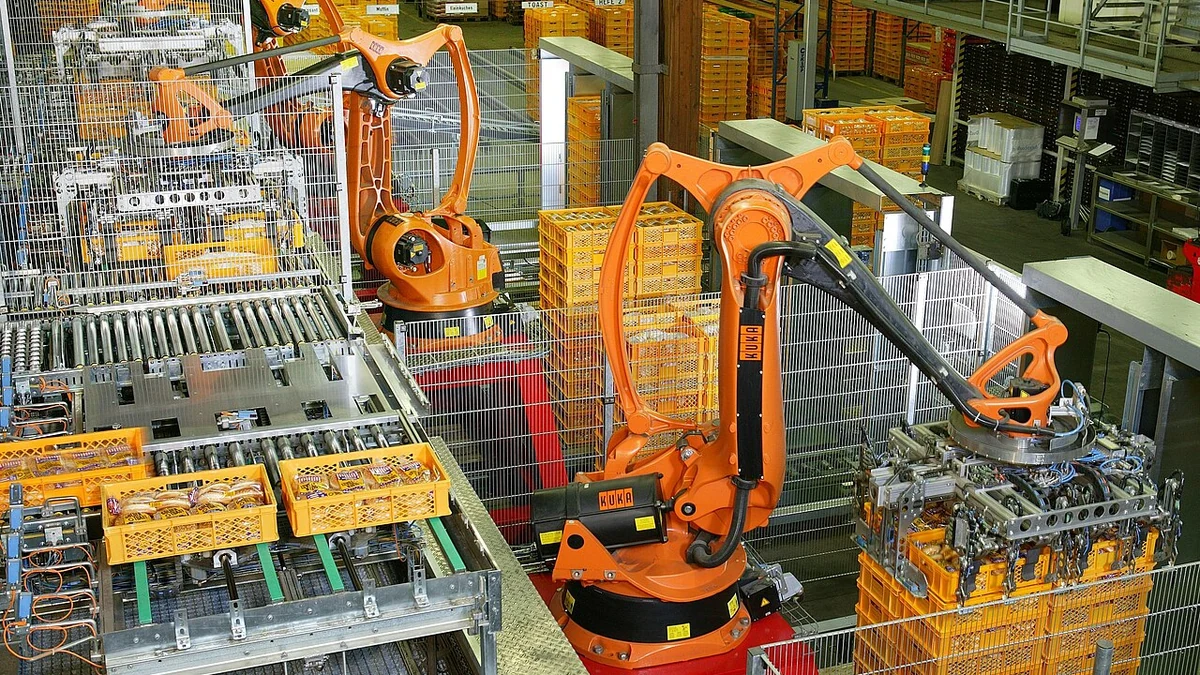
Image credit: KUKA Roboter GmbH and Bachmann, “Factory Automation Robotics Palettizing Bread,” Wikimedia Commons, public domain. The image shows a robot palletizing line as an industrial-application illustration; it does not depict a Suntech repair case.

For service planning on an existing cell, use the industrial machinery repair information checklist.